1. Home
  2. Projects
  3. Lumeo

UI/UX · Prototyping

Lumeo

A wearable that guides people around Campus Remmen with light, sound and vibration. Designed for new students, visitors and people with impaired sight or hearing.
  • Role Project leader in a team of 4
  • Course UI Design Project (ITM21922), Østfold University College
  • When Spring 2025
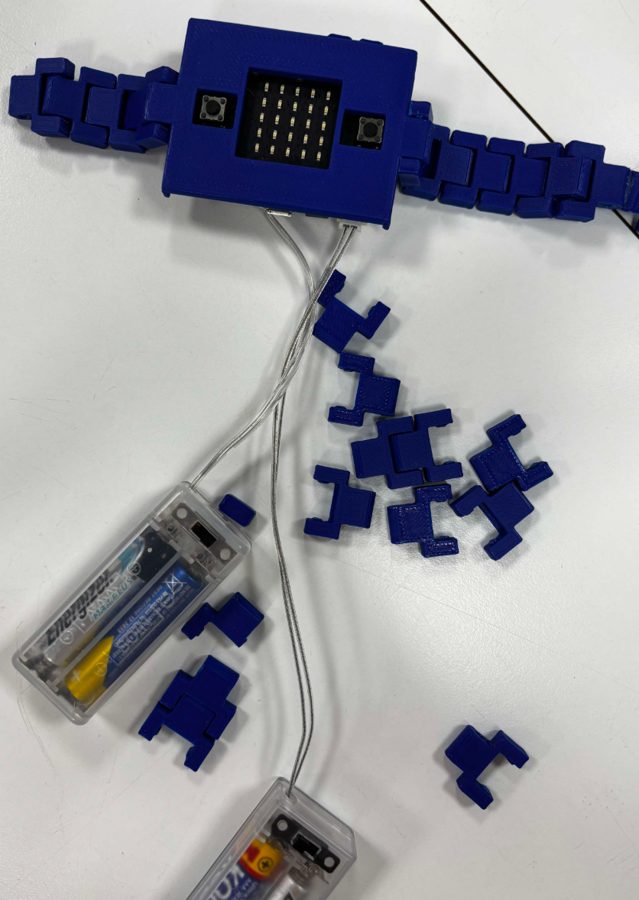
Lumeo prototype: a blue 3D-printed watch with a Micro:bit and wires

The problem

Campus Remmen is large and spread out, with several floors and entrances that are not always well signposted. There was no digital indoor navigation, only static maps and help from reception.

  • Hard to find rooms, especially for new students
  • Confusing maps and signs
  • Extra difficult for people with disabilities
  • Little use of technology in today's solution

How we worked

Design Thinking, run in short sprints from February to May.

  1. Empathize Interviews and a survey with students
  2. Define Problem statements from the insight
  3. Ideate An idea bank of concepts
  4. Prototype Micro:bit, 3D print and Figma screens
  5. Test Usability tests and A/B tests

The prototype

  • Light

    The LED display shows messages and room numbers, and arrows when you move your wrist.

  • Sound

    A short melody plays when a message has finished showing.

  • Vibration

    A motor under the watch gives direction through patterns you can feel.

  • Screens

    Figma screens for choosing a room, quick menu and directions.

3D animation of how the finished watch could look.

What testing showed

We tested with 3–5 students from each of the other groups, at two stations: one for the screens and one for the vibration patterns. A second test used a blindfold and noise-cancelling headphones to simulate a visually impaired user.

Screens

  • Quick menu (toilet, canteen, library)100%
  • Direction arrows87%
  • "Outside the zone" screen80%
  • Add classroom67%
  • Type in classroom67%

Share of test users who understood each screen.

Vibration patterns (A/B test)

Both patterns had a 75% success rate. Pattern 1 (short for left/right, long for forward/back) felt easier, because pattern 2 made people count vibrations.

Changes after testing

  • Went with vibration pattern 1
  • Map symbol instead of a plus icon
  • Clear back and delete buttons
  • Arrows with text, and instructions on error screens

At the expo

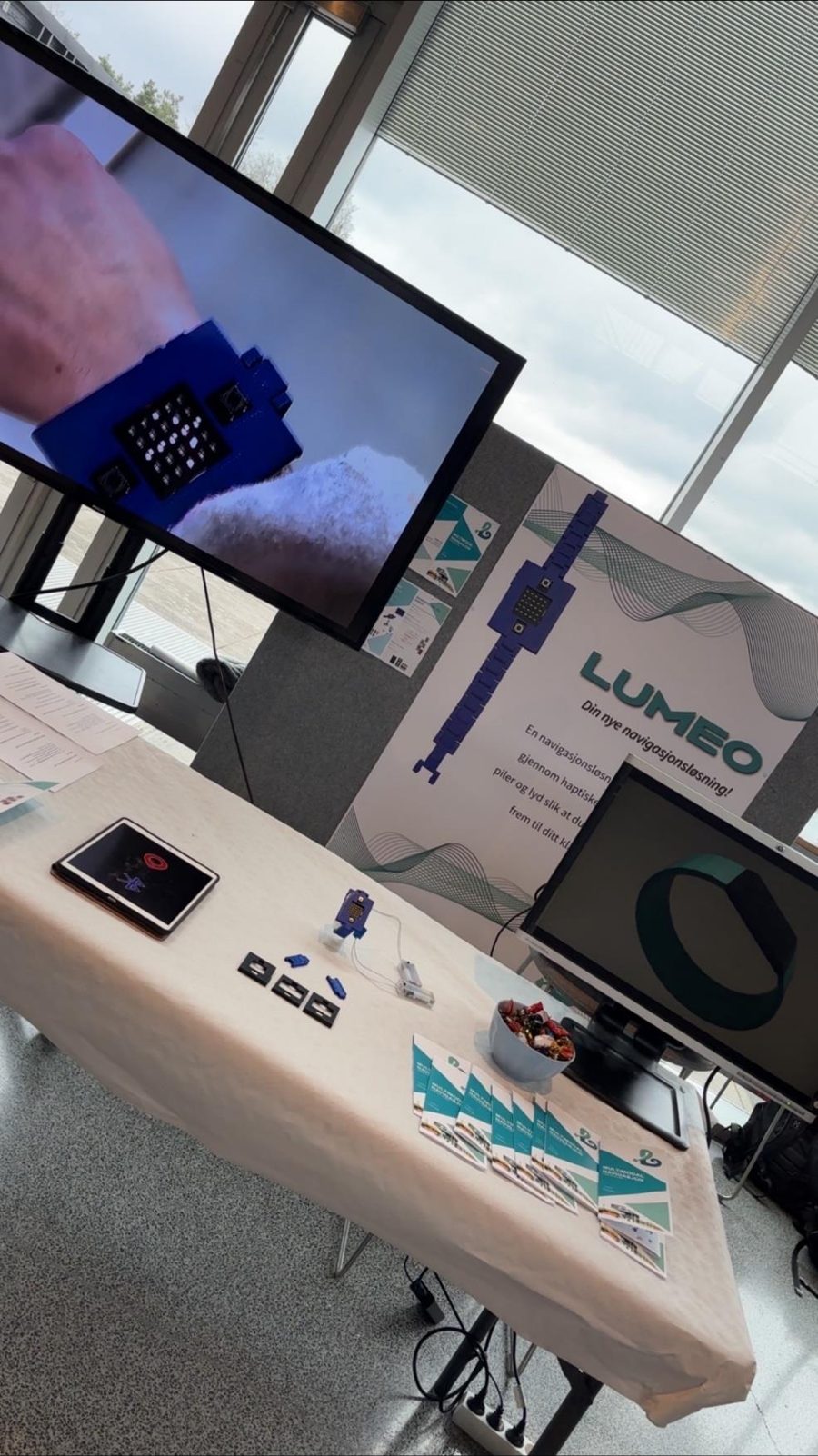
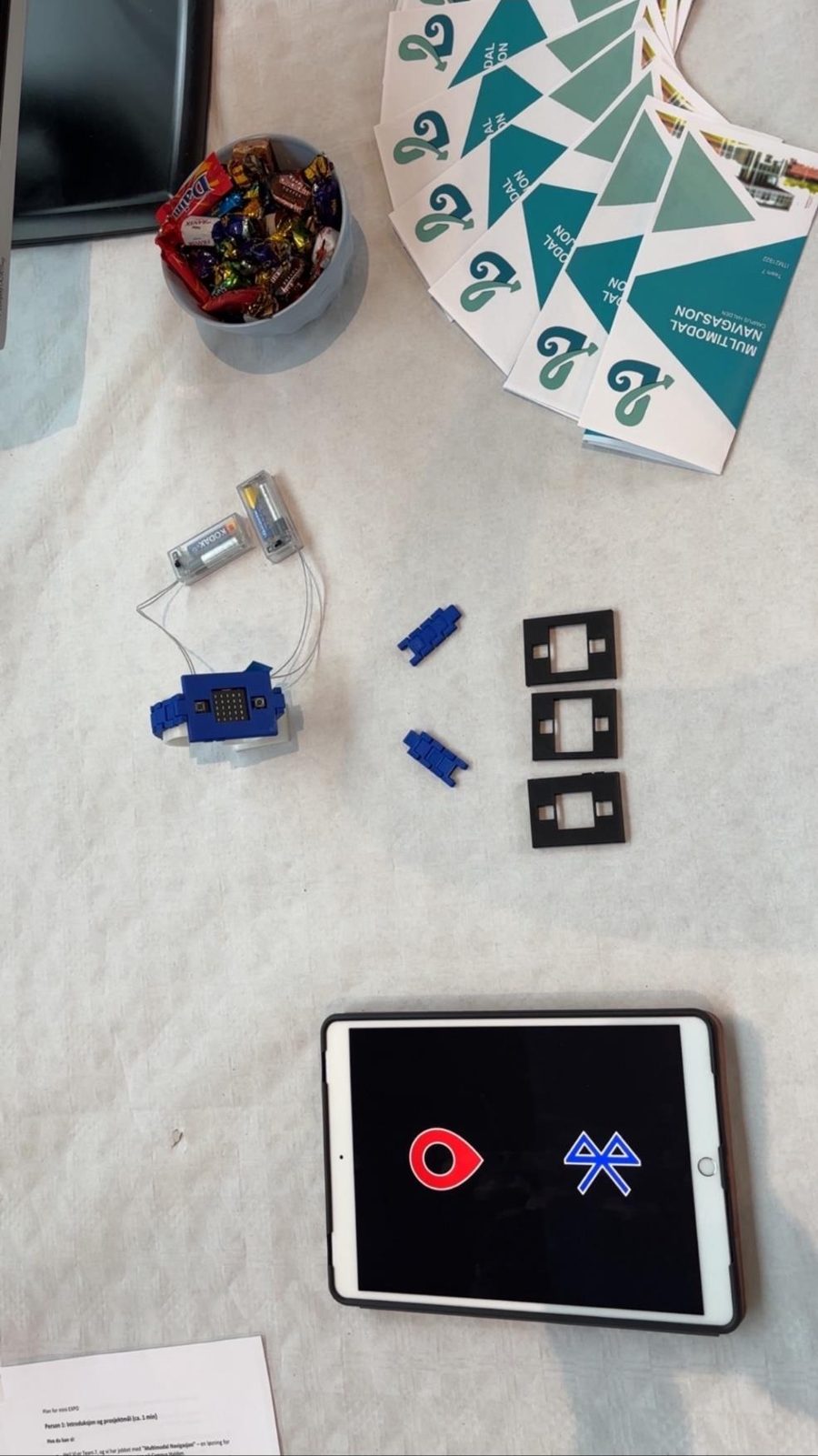
We presented Lumeo with a poster, a brochure and the working prototype.
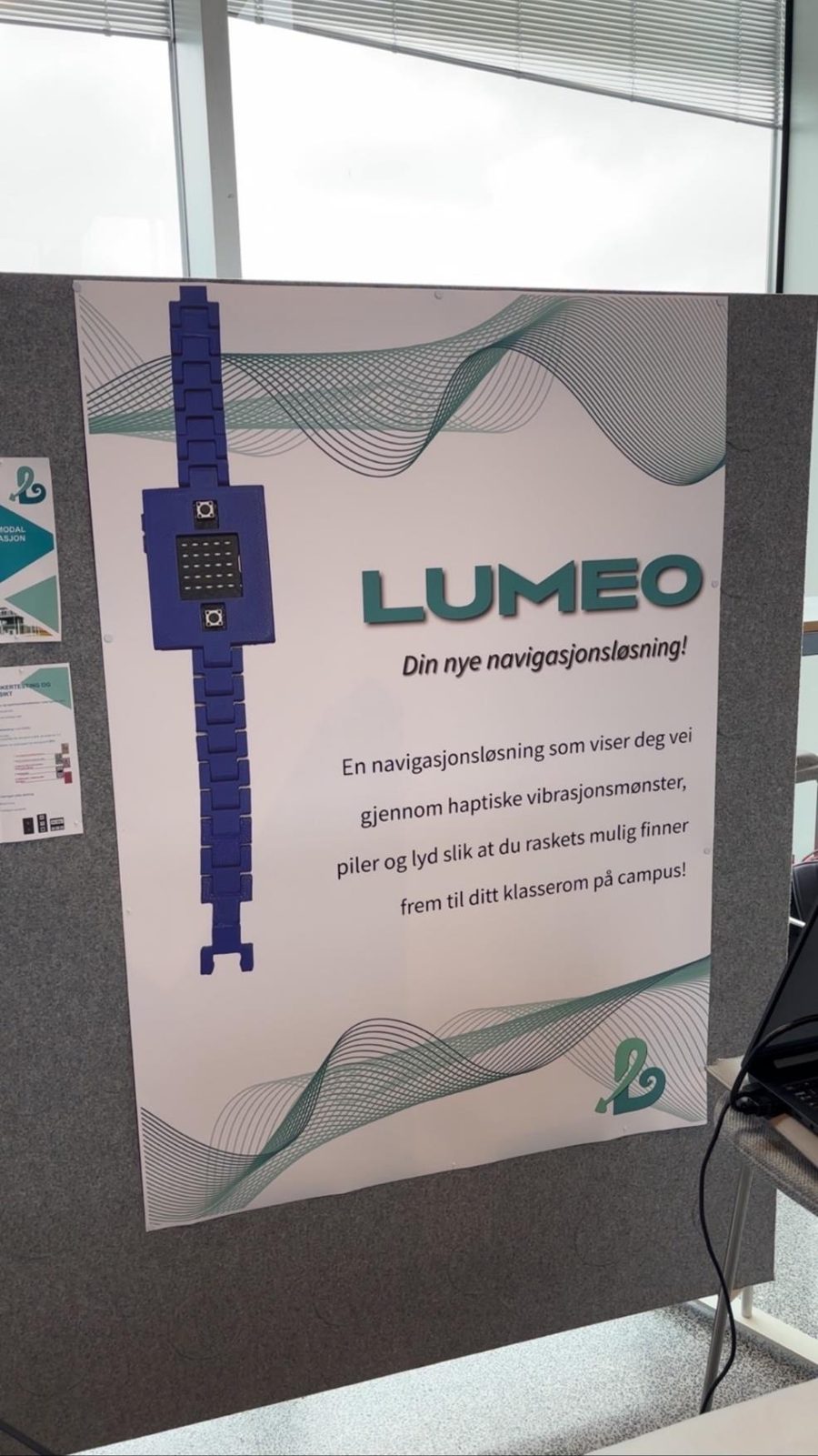
The Lumeo poster at the stand The stand with a screen, poster and prototype The table with the prototype, brochures and a tablet
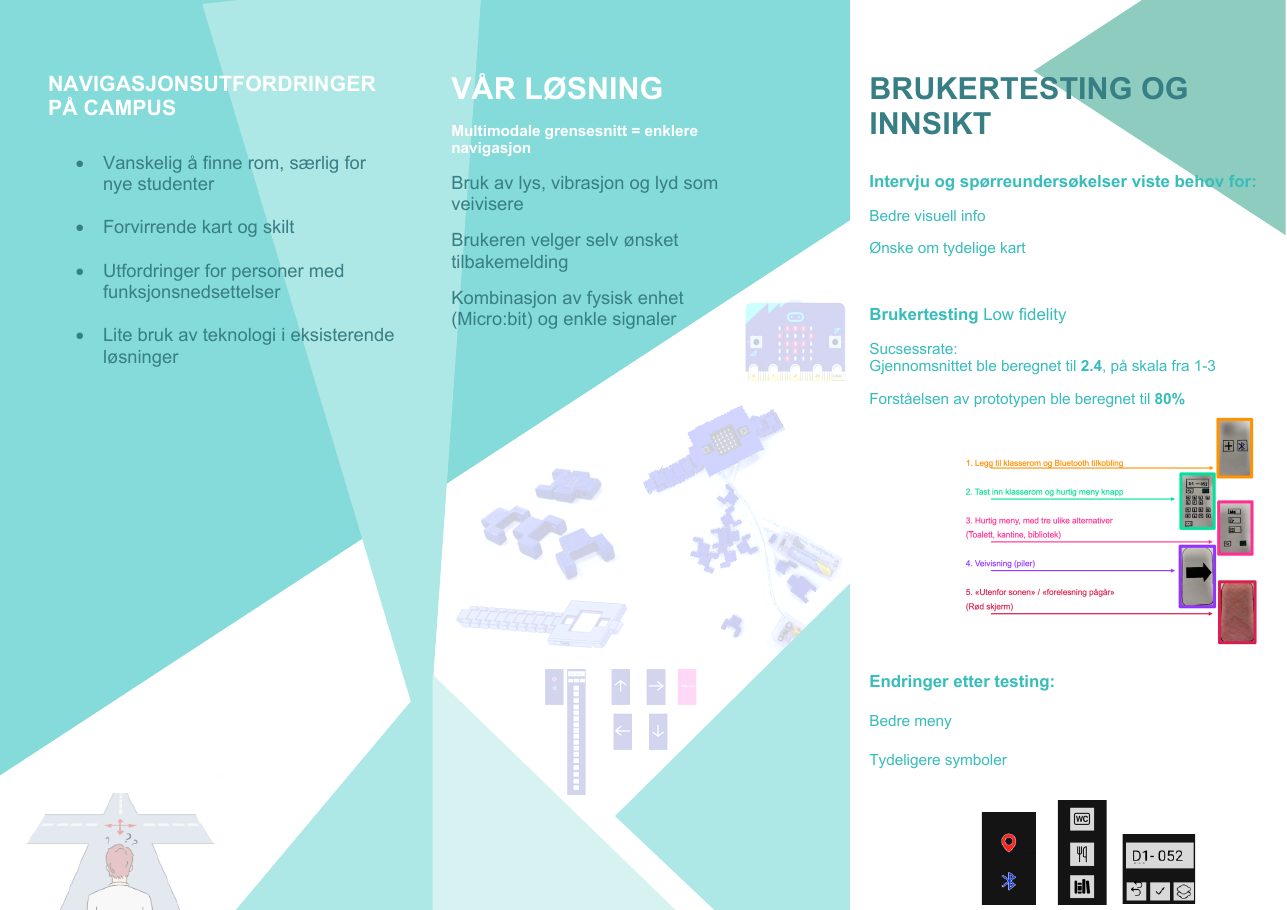
Inside of the brochure: challenges, the solution and user test results
The brochure we handed out.

My part

I was the project leader. That meant:

  • Keeping track of progress and making the roles in the group fit together
  • Main responsibility for the report and the deadlines
  • Being the main contact for our supervisor and the stakeholder

What I learned

  • Simple symbols and clear feedback matter more than clever features
  • Test the solution, not the user: open questions and neutral observation
  • Involve the real target group, like visually impaired users, as early as possible
  • Cheap tools like Micro:bit make it fast to change a prototype after feedback
Back to all projects